Getting your website to rank on Google doesn’t require expensive tools or years of experience.
It starts with understanding what happens on your own pages.
Most beginners think SEO is complicated. But the truth is simpler than you expect.
When you optimize elements like your titles, content, and images, search engines understand your pages better.
This guide walks you through on page seo for beginners in plain English.
No jargon. No fluff. Just practical steps you can start using today.
On-Page SEO For Beginners
What is On-page SEO?
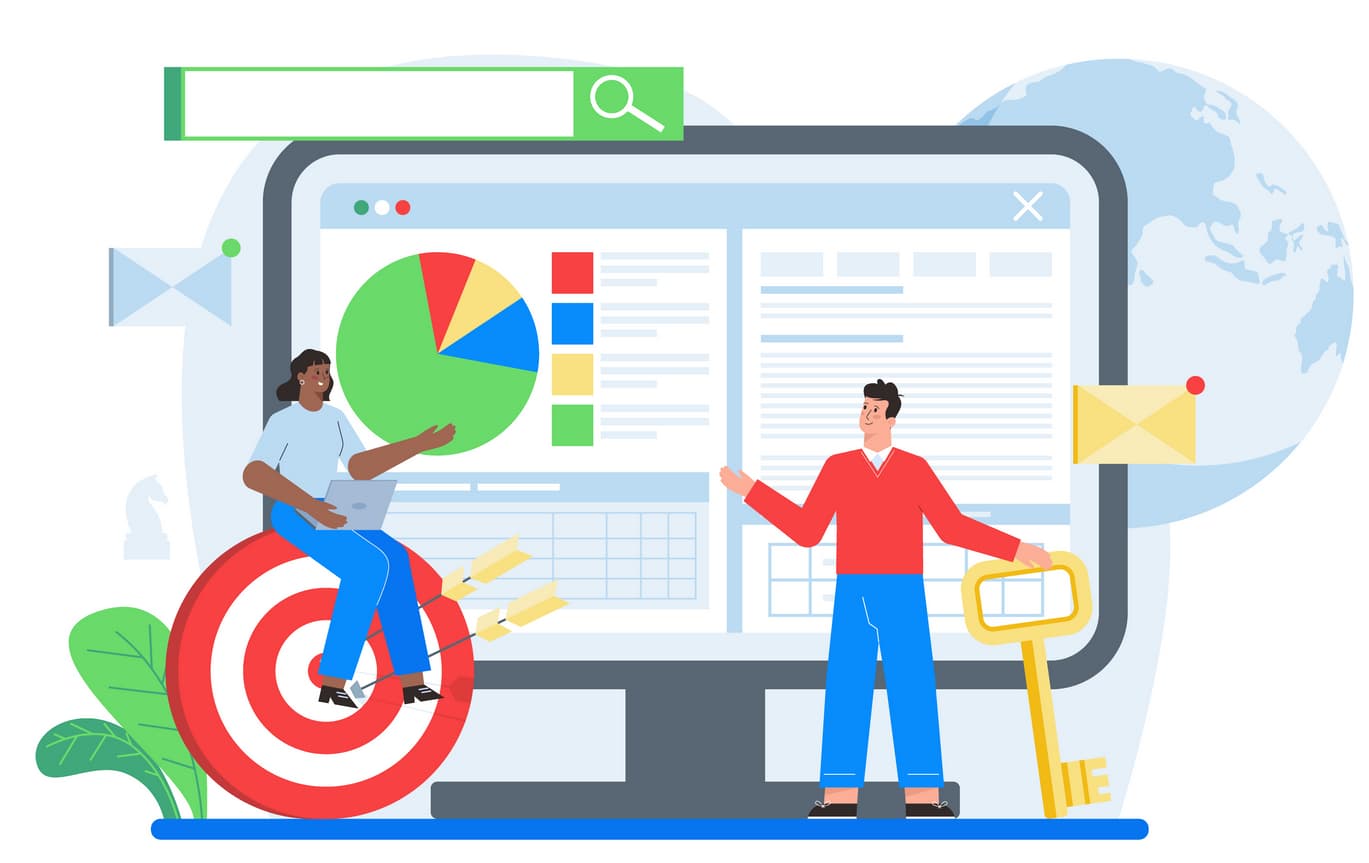
On-page SEO means optimizing everything on your website that you control directly. This includes your content, titles, images, URLs, and internal links.
Think of it as arranging your shop so customers find what they need easily. Search engines work the same way.
Key elements include:
- Content quality and structure
- Title tags and meta descriptions
- URL structure
- Internal linking
- Image optimization
- Page loading speed
What is the Difference Between On-page SEO and Off-page SEO?
On-page SEO happens inside your website. Off-page SEO happens outside of it.
Both matter, but beginners should master on-page first because you have full control over it.
| On-page SEO | Off-page SEO |
|---|---|
| Optimizing content on your site | Building backlinks from other sites |
| Writing title tags and meta descriptions | Getting mentioned on social media |
| Improving page speed | Guest posting on other websites |
| Adding internal links | Building brand authority |
| You control 100% | You control partially |
Why is On-Page SEO Important?
Search engines need to understand your pages before they can rank them. On-page SEO gives them clear signals about your content.
Benefits for search engines:
- Helps crawlers understand page topics
- Signals content relevance for specific queries
- Improves indexing accuracy
- Determines ranking potential
Benefits for users:
- Faster page loading
- Better readability
- Easier navigation
- More relevant content
Business benefits:
- Higher organic traffic
- More qualified leads
- Better conversion rates
- Lower marketing costs
What Are the Most Important On-page SEO Ranking Factors?
Not all on-page elements carry equal weight. Focus on these core factors first.
| Ranking Factor | Why It Matters |
|---|---|
| Keyword targeting | Choosing the right keywords determines if you attract relevant traffic |
| Content quality | Google prioritizes helpful, unique content that solves user problems |
| Title tags | Your title affects click-through rates and tells Google what your page is about |
| Page speed | Slow pages frustrate users and rank lower in search results |
| Internal linking | Helps search engines discover pages and understand site structure |
| Mobile usability | Most searches happen on phones, so mobile-friendly pages rank better |
| User experience | Good UX keeps visitors engaged, which signals quality to Google |
How to Do On-page SEO [Beginners’ Friendly Step-by-Step Procedure]
Follow this systematic approach to optimize any webpage. Start with step one and move forward.
- Step 1: Research your target keyword: Find what people actually search for. Use tools like Google Keyword Planner or Ubersuggest to identify relevant keywords with decent search volume.
- Step 2: Analyze search intent: Look at the top 10 results for your keyword. Are they blog posts, product pages, or guides? Match your content type to what’s already ranking.
- Step 3: Optimize your URL structure: Create short, descriptive URLs with your target keyword. Use hyphens to separate words and keep it under 60 characters.
- Step 4: Write a compelling title tag: Include your keyword naturally in a title under 60 characters. Make it clickable by addressing what users want to find.
- Step 5: Create valuable content: Write content that genuinely helps readers. Answer their questions completely and add original insights they won’t find elsewhere.
- Step 6: Add internal links: Link to 3-5 related pages on your site. This helps search engines understand your site structure and keeps users engaged longer.
- Step 7: Optimize images: Compress images to reduce file size. Add descriptive alt text that explains what each image shows.
- Step 8: Check page speed: Test your page with Google PageSpeed Insights. Fix issues like large images, unnecessary code, or slow server response times.
Domain Name
Your domain name is your website’s address. It’s the foundation of your online presence and affects how people perceive your brand.
Why it matters: Trusted domains build authority faster. Older domains with clean histories often rank better because they’ve accumulated trust signals over time.
How to optimize:
- Choose a .com extension when possible (users trust it most)
- Keep it short, memorable, and easy to spell
- Use your brand name, not keyword-stuffed domains
- Check the domain history when buying a used domain
- Avoid hyphens and numbers that confuse users
- Make sure it’s not trademarked or similar to competitors
URLs
A URL is the complete web address of a specific page. Good URLs help both users and search engines understand page content immediately. We also shared a detailed guide on Absolute vs. Relative URLs in SEO, so you need to explore this guide as well.
URL structure breakdown:
- Protocol: https://
- Domain: yourwebsite.com
- Folder: /blog/
- Slug: page-name
Why it matters: Clean URLs improve user experience and click-through rates. They also help search engines categorize your content correctly.
Optimization checklist:
- Include your target keyword in the slug
- Use hyphens to separate words, never underscores
- Keep URLs short (under 60 characters ideal)
- Avoid unnecessary parameters and numbers
- Build a logical folder structure
- Use lowercase letters only
- Make URLs descriptive and readable
Keyword Research
Keyword research means finding the exact phrases people type into search engines. It’s the starting point for all on-page SEO work.
Without proper research, you might optimize for terms nobody searches for. Or worse, keywords are too competitive to rank for.
How to do keyword research:
- List topics your audience cares about
- Use keyword tools to find search volume
- Check keyword difficulty scores
- Analyze what’s currently ranking
- Look for question-based keywords
- Find long-tail variations with less competition
- Consider local keywords if you serve specific areas
- Group related keywords together
Beginner-friendly tools:
- Google Keyword Planner (free)
- Ubersuggest (free version available)
- Answer the Public (free)
- Google Search Console (free)
Title Tags
Your title tag is the clickable headline in search results. It’s often the first thing people see when deciding whether to visit your page.
Why it matters: Title tags directly impact click-through rates. A well-written title can double or triple your organic traffic even without changing your ranking position.
Title tag best practices:
- Keep it under 60 characters to avoid truncation
- Place your keyword near the beginning
- Make it specific and descriptive
- Include your brand name at the end
- Match the search intent
- Use numbers when relevant (e.g., “7 Ways to…”)
- Avoid clickbait or misleading titles
- Write for humans first, search engines second
- Test different variations over time
Meta Descriptions
A meta description is the short text snippet below your title in search results. While it doesn’t directly affect rankings, it strongly influences whether people click.
Why CTR matters: Higher click-through rates signal to Google that your page satisfies user intent. This can indirectly boost your rankings over time.
Meta description checklist:
- Keep it between 140-160 characters
- Include your target keyword naturally
- Write a clear benefit or value proposition
- Add a subtle call-to-action
- Match the search intent
- Avoid duplicating title tag content
- Don’t stuff keywords
- Make each description unique
- Answer what users will find on the page
Content
Content is everything visible on your page—text, images, videos, and interactive elements. It’s the main reason people visit your site.
What good content means: Content should solve problems, answer questions, or provide value. Google’s algorithms increasingly favor content that demonstrates real expertise and helps users.
Content optimization rules:
- Write for your audience first, not search engines
- Use your target keyword naturally 3-5 times
- Break content into short paragraphs (2-3 lines max)
- Include relevant subheadings with H2 and H3 tags
- Add bullet points and numbered lists
- Use tables for comparisons or data
- Include original images or screenshots
- Add quotes from experts when relevant
- Update outdated information regularly
- Proofread for grammar and spelling errors
- Make content scannable with formatting
- Answer questions completely
- Add examples and case studies
Keyword Insertion
Keyword insertion means placing your target keywords in strategic locations throughout your content. The goal is natural integration, not keyword stuffing.
Where to add keywords:
- First 100 words of content
- At least one H2 or H3 heading
- Naturally, throughout the body paragraphs
- Image alt text when relevant
- URL slug
Where NOT to add keywords:
- Every single paragraph
- Unnatural in sentences
- Hidden text or white-on-white text
- Image filenames repeatedly
- Meta keywords tag (obsolete)
Dos and don’ts:
- DO use related keywords and synonyms
- DO prioritize readability over keyword density
- DON’T force keywords where they don’t fit
- DON’T repeat the exact phrase 20+ times
- DO use variations of your main keyword
- DON’T sacrifice content quality for SEO
- DO include keywords in a natural context
Internal links
Internal links connect one page on your website to another page on the same site. They create pathways for users to explore and help search engines understand relationships between pages.
How beginners should add them: Link to related content naturally within your text. If you mention a topic you’ve covered elsewhere, that’s a perfect opportunity for an internal link.
Internal linking guidelines:
- Add 3-5 internal links per page, minimum
- Link to relevant, helpful pages only
- Use descriptive anchor text (the clickable text)
- Don’t use “click here” as anchor text
- Link to both older and newer content
- Create a logical site structure
- Don’t overdo it—too many links confuse users
- Update old posts with links to new content
- Include important pages in navigation menus
- Use footer links for key pages
Images
Images make content more engaging and easier to understand. But unoptimized images can slow down your site and hurt SEO performance.
Why optimization matters: Large image files are the number one cause of slow page speeds. Compressed, well-formatted images maintain quality while loading faster.
Image optimization steps:
- Choose the right format (WebP or JPEG for photos, PNG for graphics)
- Compress images before uploading
- Resize images to exact display dimensions
- Write descriptive alt text for every image
- Use descriptive filenames (not IMG_1234.jpg)
- Add captions when they provide value
- Lazy load images below the fold
- Use responsive images for different screen sizes
- Don’t use images for text content
- Test image loading speed regularly
Alt text rules:
- Describe what’s in the image clearly
- Keep it under 125 characters
- Include keywords only when natural
- Skip “image of” or “picture of”
UX
User experience (UX) covers how easy and pleasant it is to use your website. Good UX keeps people on your site longer, which sends positive signals to search engines.
What UX means for SEO:
- Mobile-responsive design is mandatory
- Clear navigation helps users find content
- Readable fonts and proper spacing improve engagement
- Logical site structure reduces bounce rates
- Fast-loading pages prevent user frustration
- Accessible design serves all users
- Clear calls-to-action guide user behavior
- Consistent design builds trust
- Working forms and buttons are essential
- HTTPS encryption is required
- Pop-ups should be minimal and non-intrusive
- Content layout should be scannable
Page Speed
Page speed measures how quickly your content becomes visible and usable. It’s a confirmed ranking factor and directly impacts user satisfaction.
Why speed matters: Users abandon slow sites within 3 seconds. Every second of delay reduces conversions and increases bounce rates dramatically.
Core Web Vitals basics: Google uses three key metrics to measure page speed:
- LCP (Largest Contentful Paint): How fast main content load
- FID (First Input Delay): How quickly pages respond to clicks
- CLS (Cumulative Layout Shift): How stable the page layout is
How to improve page speed:
- Compress all images before uploading
- Minimize CSS, JavaScript, and HTML code
- Enable browser caching
- Use a content delivery network (CDN)
- Remove unnecessary plugins
- Optimize your hosting plan
- Reduce redirects
- Defer non-critical JavaScript
- Inline critical CSS
- Use lazy loading for images
- Enable Gzip compression
- Limit external scripts and embeds
Take Our Professional On-Page SEO Services Now
Free SEO Audit
Conclusion:
On page seo for beginners doesn’t require technical expertise or expensive tools. It requires patience, consistency, and attention to detail.
Start with the basics—improve your titles, write better content, speed up your pages. These fundamentals drive more results than advanced tactics.
Quick recap of priorities:
- Research keywords before creating content
- Write titles and descriptions that get clicks
- Create genuinely helpful content
- Build internal links between related pages
- Optimize images and page speed
- Make your site mobile-friendly
- Monitor your progress regularly
The pages you optimize today will continue driving traffic for months or years. That makes on-page SEO one of the best investments you can make in your website’s success.